Lognote 6: Workspaces, Video and a New Design
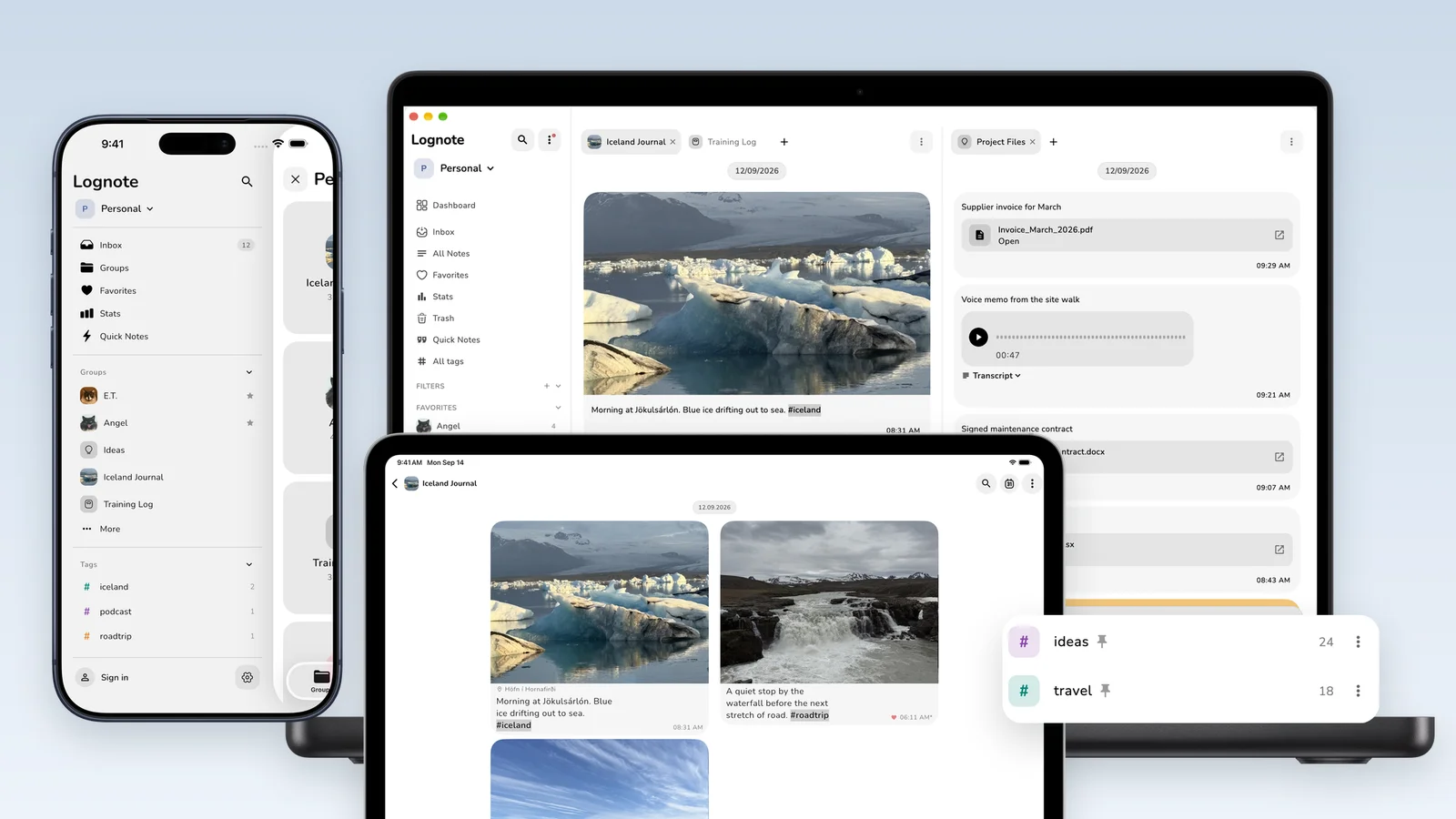
Lognote 6 changes how notes are organized, found, and used across Apple devices. Large parts of the app were rebuilt so Lognote can stay quick on iPhone, flexible on iPad, and feel like a real desktop app on Mac.
The main changes cover Workspaces, hashtags, search, media, and platform specific interfaces. Existing notes and groups remain in place.
Workspaces separate personal notes, work, and projects
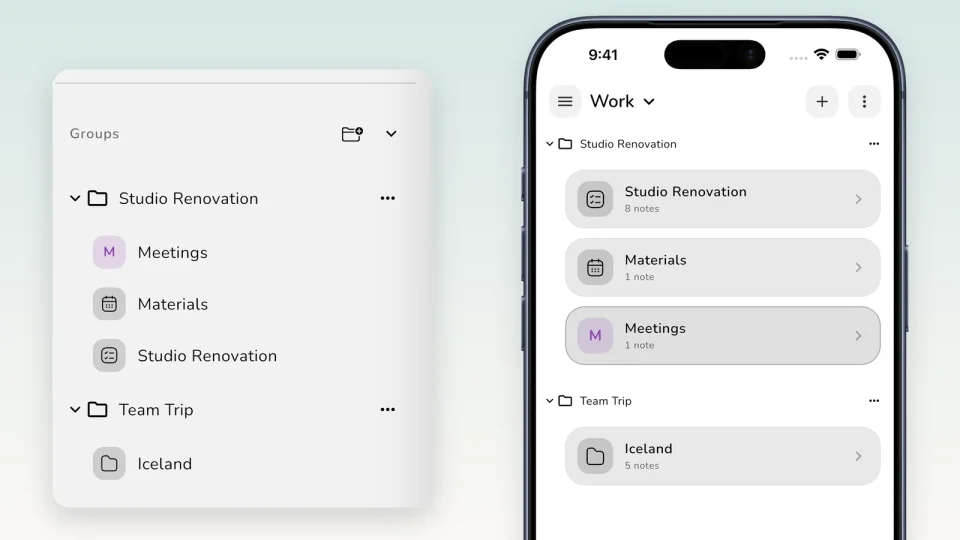
Workspaces let Pro users keep different areas apart. Every Workspace has its own Inbox and groups. Switching takes one click, and groups can be moved to another Workspace later. The same app can hold private notes, client work, and longer projects without putting everything into one navigation.
Hashtags and a much stronger search
Hashtags are written directly in a note and then appear in the navigation. Frequently used tags can be pinned and assigned colors. A tag search works across groups. Lognote Pro can also combine tags with Workspaces, so a filter can show only project notes about a specific topic.
The regular search has been expanded as well. Multiple terms no longer need to appear in the same order. Text in quotation marks searches for an exact phrase. Results highlight the match and show the relevant context. Lognote searches note text, file names, and voice note transcripts.
Video, files, and better PDF export
Lognote Pro now supports video as a first class media attachment. Instead of a generic file icon, the note shows a real thumbnail. Videos can be opened inside the note and synced between devices. On iPhone and iPad, video can be recorded directly from the camera. Hold the shutter to record, drag up to zoom, and release to stop.
Pro users can sync files up to 200 MB. Images, PDFs, and other supported files can be pasted from the clipboard and added to existing notes later. PDF export now handles German quotation marks, umlauts, international characters, and embedded fonts more reliably.
Faster writing and calmer reading
The new slash menu opens formatting and note actions while you write. You can choose Nunito or the system font. Keyboard users can send with Enter and insert a new line with Shift+Enter. When timestamps are hidden, related Bubbles now remain connected across day boundaries.
A new experience on iPhone and iPad
On iPhone, the new side menu brings together the Inbox, groups, favorites, statistics, Workspaces, and hashtags. Export, multiple selection, cards, the input bar, and empty states have been updated. Sharing and Shortcuts now select the Workspace and destination separately. Widgets refresh more reliably when groups are added or group images change.
On iPad, Lognote uses the larger screen with a persistent sidebar and two or three columns. The layout adapts to portrait, landscape, and Split View. Keyboard, mouse, trackpad, pointer interactions, menus, and file drop are part of the same interface. Dialogs stay connected to the visible workspace instead of covering the entire context.
Mac gets a real desktop interface
On Mac, version 6 adds a new sidebar, tabs, and Split View. Several notes and contexts can stay open at the same time. Groups can use list or table layouts, important details can be edited inline, and Quick Composer captures a note without opening the full app. A global keyboard shortcut opens Quick Capture from any app.
Dialogs and popovers have been adapted for macOS. Map content on Mac now uses OpenStreetMap. Finder files, paste, and drag and drop are part of the desktop workflow, while video thumbnails and media views show content directly inside the note.
Lognote Pro is clearer and stays flexible
The new Pro overview makes it easier to see what is included and which purchase option fits your use. Alongside the subscriptions, Lifetime Pro is available as a one time purchase. Version 6 Pro features include Workspaces, combined tag filters, video, and larger file uploads.
Lognote 6 brings together changes that previously touched separate parts of the app: organization, writing, search, media, and larger displays. The result is the same note collection on every device, with an interface designed for each platform.