

Four Releases in 28 Days: What a Month for Lognote
Today is July 31. When I looked at Lognote’s version history, I had to check it twice. Lognote 5.0 arrived on July 1. Only 28 days later, Lognote 5.3 was already in the App Store.
I released four public updates in one month. Together, they brought the largest rebuild in Lognote’s history, new ways to read notes, a dedicated Apple Watch app, and interfaces for iPad and Mac that make proper use of each platform. I also launched a new Help Center, improved the support system, and rebuilt parts of the production process for screenshots, articles, and future releases.
Looking back, the biggest change is how much more solid Lognote feels as a whole. The app is clearer, more reliable, and easier to support. Many ideas that used to exist separately now fit together.
Lognote 5.0 through 5.3
The month began with Lognote 5.0. Work on this new generation had started long before July, but on July 1 it finally reached everyone.
Lognote 5.0 introduced a new Home screen, richer statistics, documents and other file attachments, and proper voice memos with transcription directly on the device. At the same time, it created the technical foundation for Lognote to grow across iPhone, iPad, and Mac while safely carrying existing data into the new version.
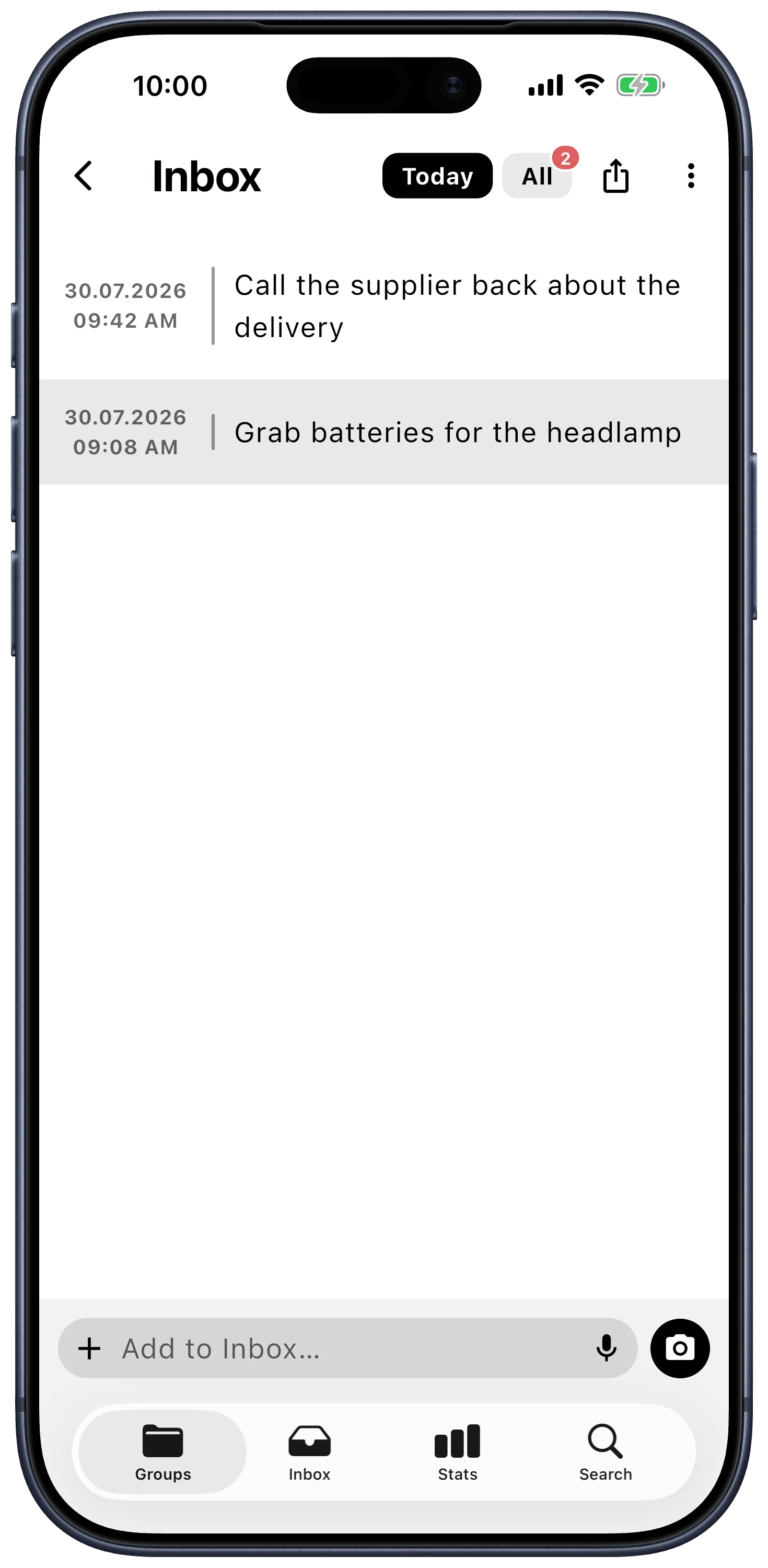
One of the most important additions was the Inbox. It came from very specific conversations. Users from many different professions wrote to me and explained when and how they use Lognote in their daily work.
Midwives gave me one of the clearest examples. In their work, every second can count. There is no time to choose a group, sort an entry, or decide on the perfect place for it. A thought or observation has to be recorded immediately. Everything else can happen later.
That need is why I built the Inbox. It is the fastest place to capture something in Lognote and organize it later, when there is time. What now feels like a natural part of the app began with messages from users who shared the reality of their work with me.
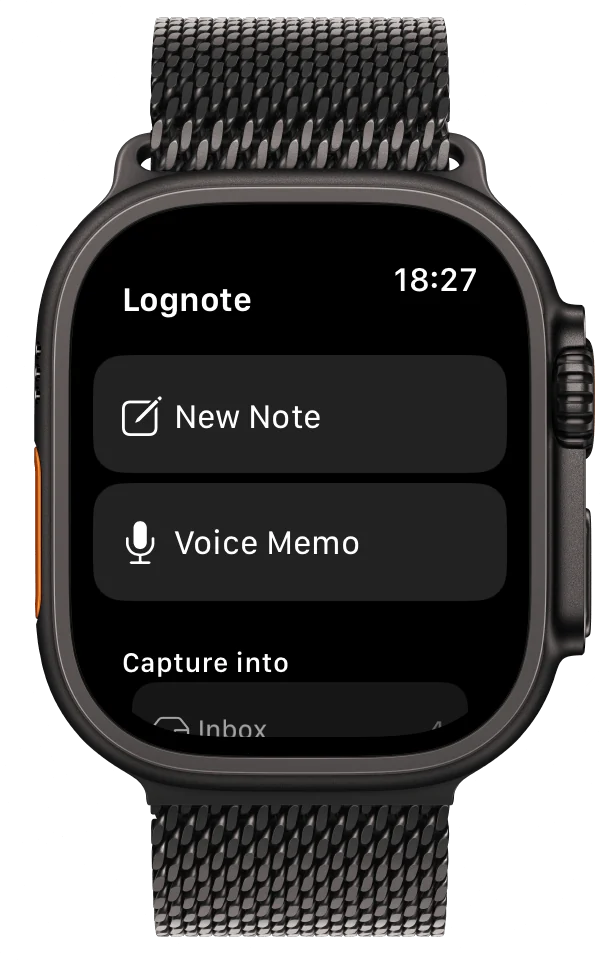
Lognote 5.1 brought Lognote to Apple Watch for the first time. Notes and voice memos can now be captured directly from the wrist. Siri Shortcuts and complications make Lognote available exactly where a thought appears.
Groups received new layouts, custom images, and icons. Voice memos gained an interactive waveform, and images received a new full screen viewer. I also built and secured the technical foundation for shared groups, including invitations, synchronization in real time, author information, reactions, and mentions.
A few days later, Lognote 5.2 followed. This release was especially important to me because I did not want iPad and Mac to feel like enlarged iPhone screens.
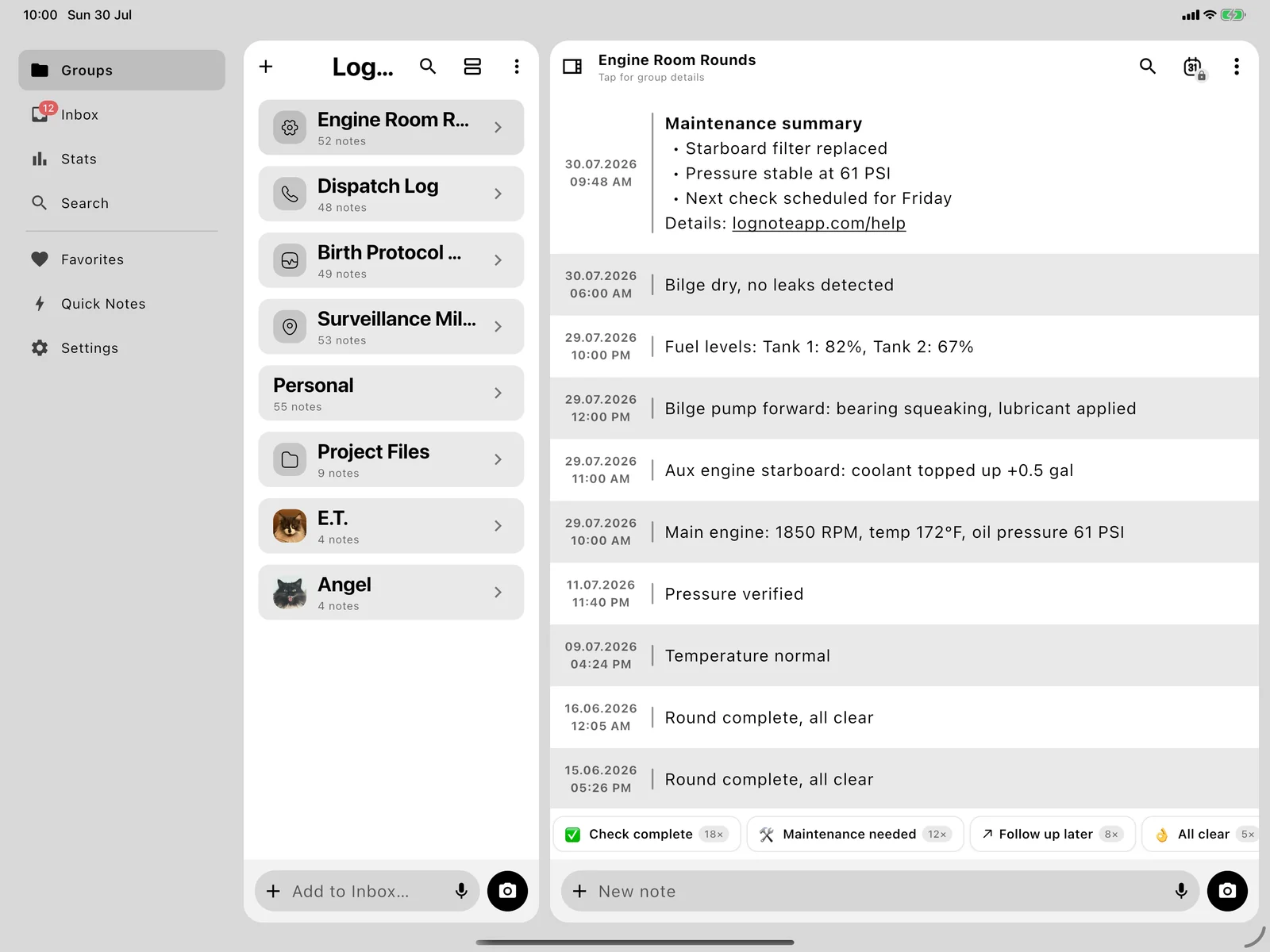
The iPad received a native sidebar, Drag and Drop, keyboard and pointer support, flexible window sizes, and suitable context menus. On Mac, native menus, dialogs, list views, and a fast composer became part of the experience.
Everyday tools also became more precise. Lognote gained custom filters, a central view for Favorites and Priorities, improved Quick Notes, expandable transcripts, and a cleaner editor. The goal was to add useful options while keeping the app calm and direct.
With Lognote 5.3, the month ended with another substantial update.
Classic, Note Bubbles, and Journal now provide three ways to read the same notes. Sticky day headers make long timelines easier to navigate. Settings show a preview before they are selected. On Apple Watch, a visible transfer queue now shows what happens to a recording on its way to the iPhone.
Mac received more options for filtering, sorting, selecting multiple items, and using context actions. On both iPad and Mac, the group list can now be hidden when more space is needed.
The 5.3 release also fixed a launch crash that could occur when moving from an older generation of Lognote. That fix will never appear in a large feature image, but it mattered. Existing users need to reach a new version safely.
Built for each Apple platform
Every platform has a different job.
On iPhone, a thought needs to be captured within seconds. On iPad, Lognote should make real use of the larger screen. On Mac, keyboards, menus, context actions, and a layout designed for a larger workspace matter. On Apple Watch, the interface has to stay focused enough to work with one hand and only a few seconds available.
That became much more visible in July. The same core idea remains on every device: capture thoughts, observations, and events quickly with a precise timestamp. The controls and layout adapt to the device.
A useful free app and a fair Premium upgrade
With every update, I ask myself how Lognote can become more capable without losing the simplicity that made me build it in the first place.
The free version remains deliberately useful. Lognote works locally and without an account. Notes, Inbox, groups, search, statistics, Quick Notes, and different layouts are available without an artificial barrier.
Premium supports the more advanced tools and infrastructure. This includes Cloud Sync, media and files, voice memos and transcripts, Favorites, Priorities, custom filters, biometric locks, and extended options for export and collaboration.
That split matters to me. The local version should be genuinely useful on its own. Premium should add capabilities without making the free foundation feel incomplete.
Work behind the releases
Four releases are easy to see in the App Store. A large part of July’s work happened in areas that are less visible.
Migrations need to protect existing data. Synchronization needs clear rules for conflicts. Shared groups need reliable permissions and security checks. New interfaces need to work on both small and large devices.
Hundreds of automated checks now protect these areas, including database migrations, offline synchronization, Premium access, and responsive layouts.
The production process around Lognote also changed. Screenshots now come from reproducible app states. Raw captures, localized versions, and finished marketing images are stored separately and checked automatically. This makes it much easier to document future releases without starting again from the beginning.
For people using Lognote, the result should be simple: more reliable updates, clearer explanations, and fewer gaps between a new feature and the information that supports it.
A new Help Center and better support
On July 30, the new Lognote Help Center went live.
It includes 50 help topics, each available in English and German. Ten categories cover the first steps, notes, groups, search, synchronization, privacy, Apple Watch, troubleshooting, and more. Every article shows its supported platforms and whether the described feature is Free, Premium, or a combination of both.
There are 38 localized screenshots showing real app states on iPhone, iPad, Mac, and Apple Watch. Images can be enlarged, articles can be searched, and related topics can be opened directly.
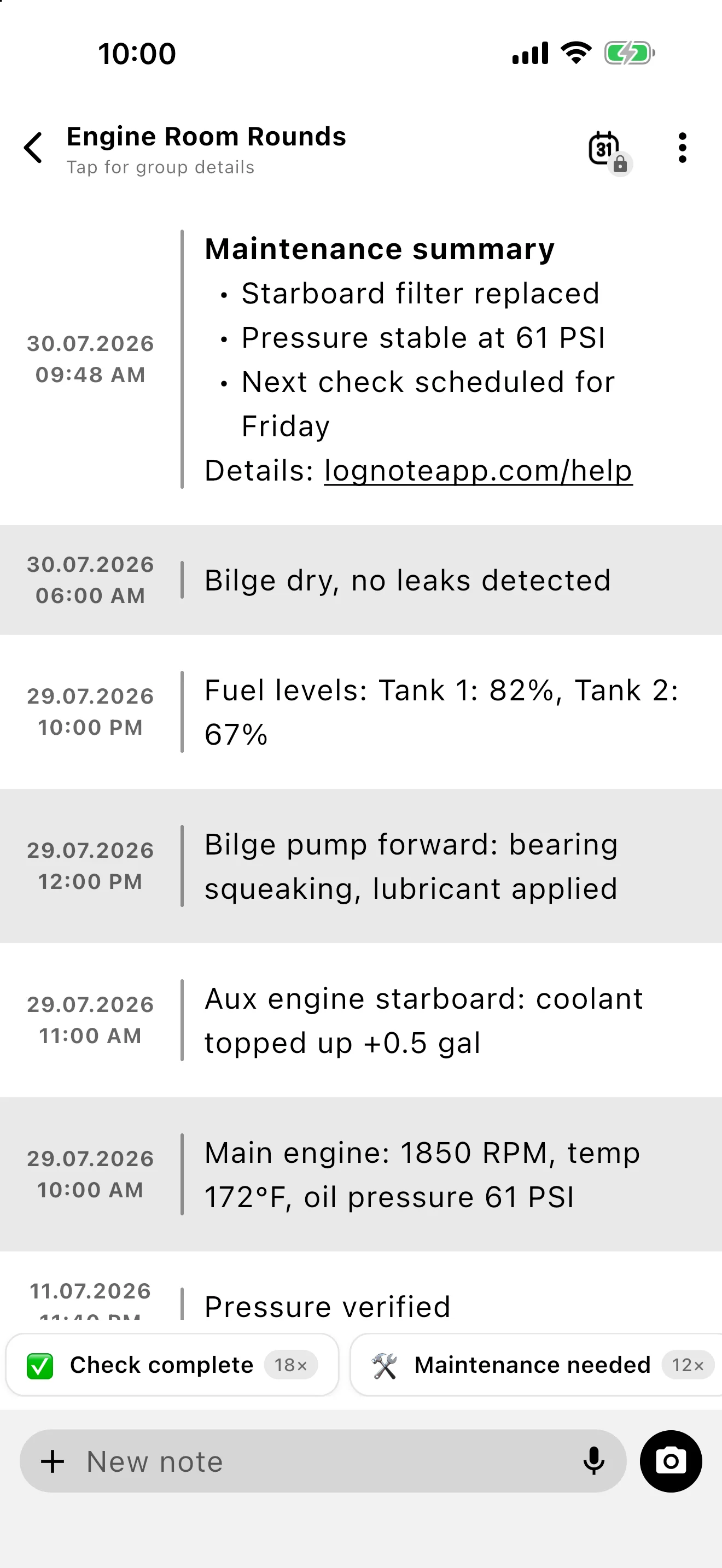
I also updated the landing page and feature pages with current app screenshots and improved their presentation across different screen sizes. Behind the website, the support system now has email integration and a filterable inbox.
Clear documentation and dependable support are part of the product. They need to grow along with the app.
Two reviews that meant a lot
At the end of the month, two new reviews with five stars arrived: “Ziemlich großartig” and “Best one I have used.”
I appreciate every kind word about a feature. What stayed with me in these reviews was the attention given to direct communication, listening, and fixing problems quickly. That is how I want to develop Lognote. I want to stay in contact with the people who use it every day.
Many improvements from July started with a message, a request, a bug report, or a detail that someone took the time to point out. Thank you to everyone who tests Lognote, asks questions, stays critical, and tells me what could work better. Your feedback has a real effect on the app.
What I am working on next
I can already give a concrete preview of what I am working on.
I am already working on hashtags, more text formatting options, todos, workspaces, and notifications. These features are coming to Lognote.
Hashtags will make it easier to connect related notes. More text formatting options will make longer entries clearer. Todos will help turn a captured thought into a concrete task. Workspaces will make it easier to separate different parts of life or work, including individual projects. Notifications will bring important entries back at the right moment.
I am not assigning dates, a specific order, or release numbers to these features yet. The work on them is already underway. I want to finish each part properly and make sure it fits the way people already use Lognote.
The foundation for this work is now much stronger. The app, its platforms, tests, documentation, support, and release production fit together far better than they did four weeks ago.
July did not finish Lognote. It made the app more stable, more capable, and easier to develop responsibly. That gives me a solid base for everything I am working on next.
Thank you for using Lognote, testing it, challenging it, and recommending it to others.
Alexander Developer of Lognote